Free · Runs in your browser · No install
One toolbox,
for everyday checks and conversions
Twenty-odd tools in one place: test mouse double-clicks, check left/right audio, find dead pixels, convert an image, run a few numbers. Open it and use it — nothing to install.
- Stays on your device by default
- No sign-up
- Chinese & English
↑ Illustrative waveform, not a measurement — the real test is the button below
Pick a category and start
Everything runs in your browser — without an account, no test data is uploaded. Numbers are reported as far as they can be trusted, and their limits are stated.
All tools
Grouped by what they do. The badge on each card says how far the numbers can be trusted.
No matching tools. Try “mouse”, “polling” or “convert”.
Input devices
10 toolsDisplay
2 toolsAudio
2 toolsUtilities
9 toolsPractice
6 toolsStart with these
If you only have five minutes, start with these four.The preview images are placeholders and will be replaced before launch.




When you’d use it
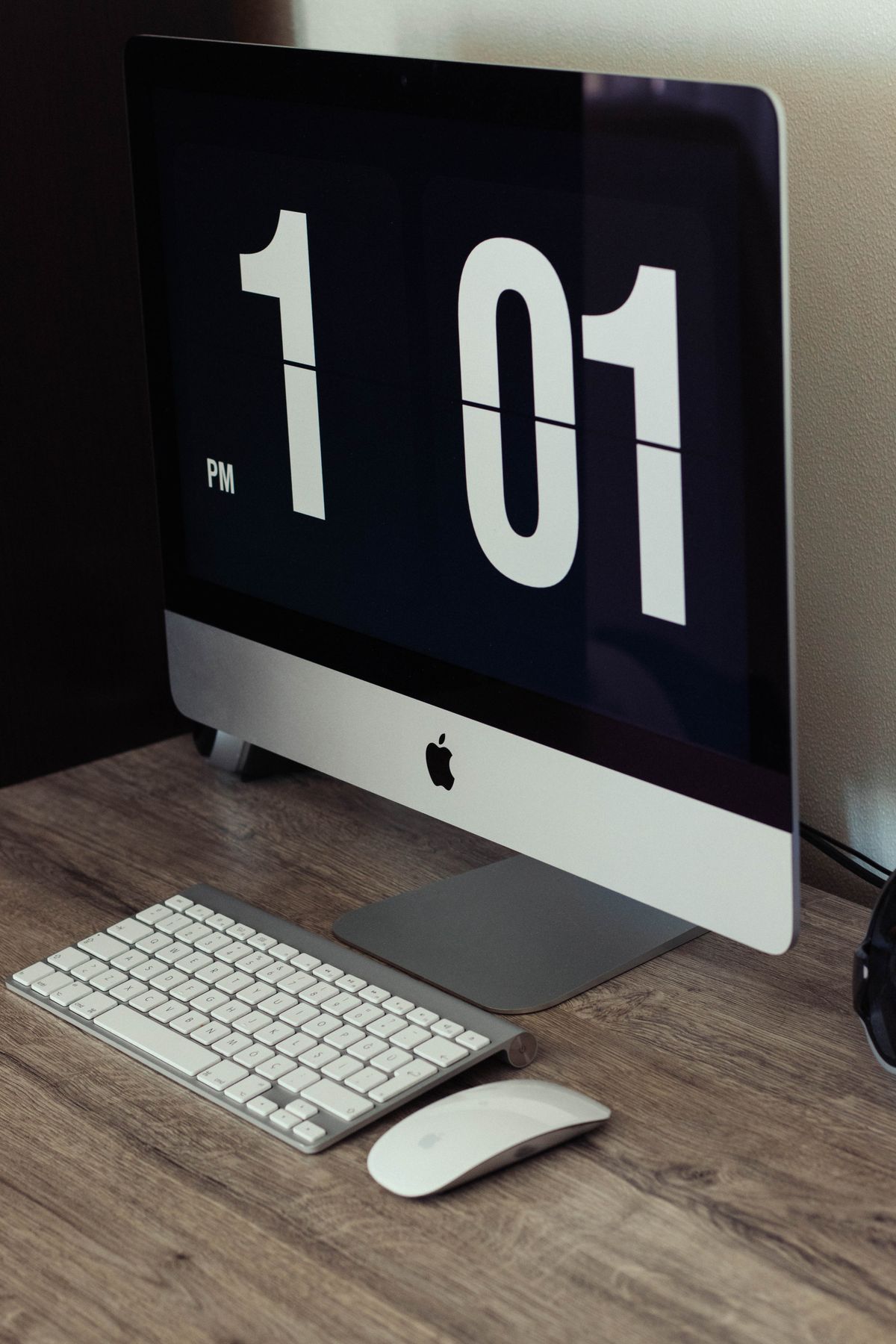
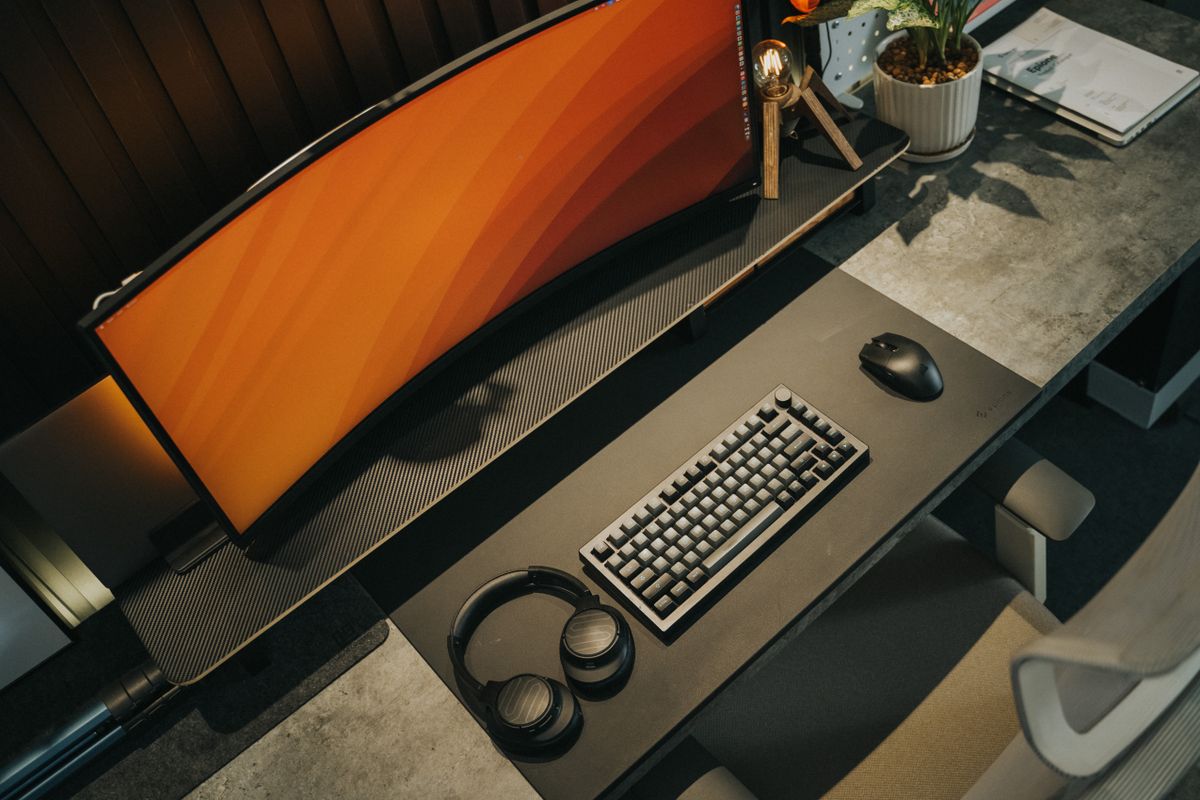
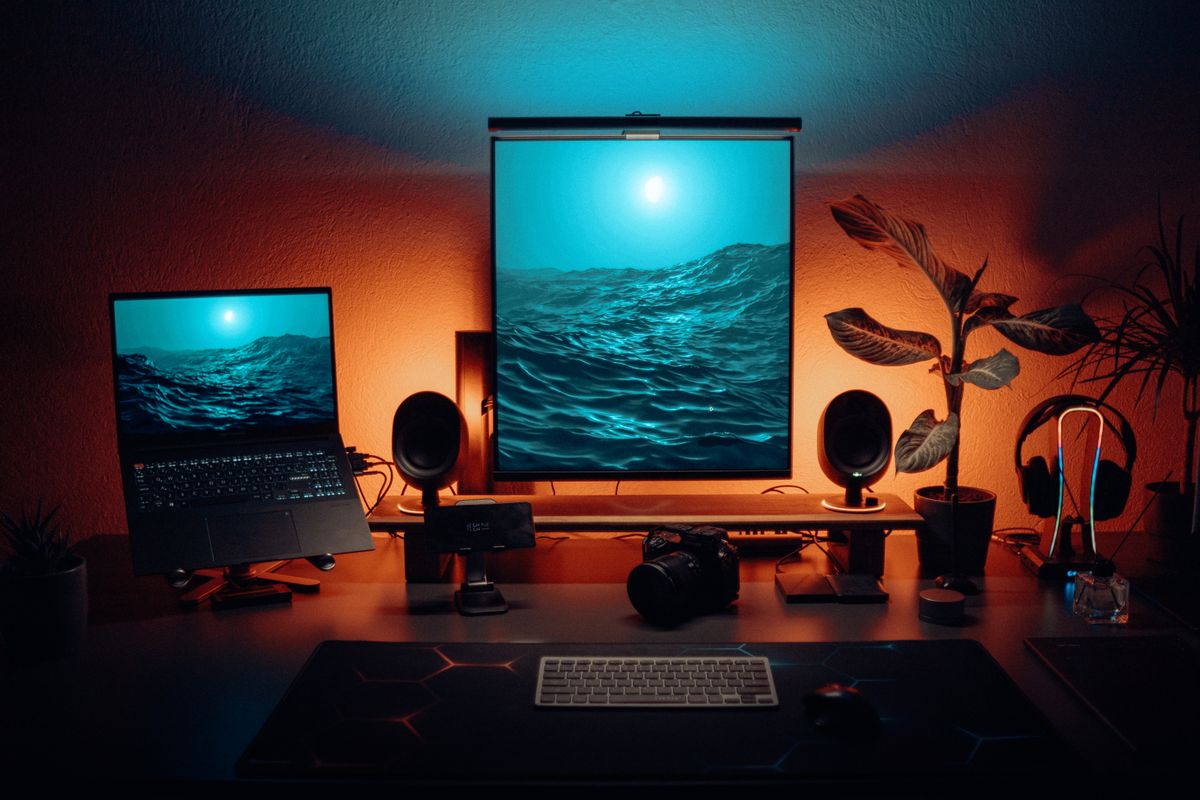
These three photos are placeholders for real shots, to be replaced with the studio’s own before launch.
Why every number is labelled
Some numbers on this site are measured directly, and some are only estimates or approximations: browser timer precision, mouse polling interval and monitor response time all affect the reading.
So every page labels its numbers — Measured directly / Estimate / Shape only / Direction only / No measurement — and the text explains where the number comes from and roughly how accurate it is.
A clearly labelled approximation is more useful than a precise number with no stated source.